
When you first launch a placenta encapsulation service, keeping things simple feels like the smartest move. You create a PDF intake form, email it to clients, have them print and sign it, and track their due dates in a Google Sheet or a notebook.
However, as your client volume grows, manual paperwork and fragmented spreadsheets quickly turn into an administrative bottleneck. More importantly, they introduce serious security, liability, and efficiency risks. Here is why outgrowing paper forms and Google Sheets is the best move you can make for your practice.
1. The Administrative Chaos of Manual Tracking
When you manage client data across disjointed tools—emails for intake, text messages for coordination, and a spreadsheet for tracking active cases—things inevitably slip through the cracks:
- The Due Date Guessing Game: Spreadsheets don’t automatically update your schedule when a baby arrives early or late. You are left manually sorting rows, checking text threads, and crossing your fingers.
- Chasing Signatures and Payments: Relying on clients to print, sign, and photograph a PDF contract means you spend hours tracking down missing fields, outdated waivers, and manual payments right when you should be resting or processing.
- Scattered Communication: Trying to look up a client’s specific hospital preference or allergy notes while driving to a middle-of-the-night pickup using a mobile spreadsheet is stressful and inefficient.
2. The Hidden Liability of Unsecured Client Data
Placenta encapsulation intake forms collect sensitive personal data, including medical histories, birth locations, contact details, and emergency phone numbers.
- GDPR and Privacy Risks: Standard email attachments and unsecured Google Drive folders are not encrypted for healthcare-level data privacy.
- Lost Waivers: If a dispute arises and you cannot instantly pull up a signed liability waiver or storage agreement because it’s buried in an email thread or a physical file folder, your business is left completely exposed.
3. The Professional Difference of a Dedicated Client Portal
Upgrading from paper and spreadsheets to a dedicated digital platform transforms how your clients perceive your professionalism:
- Instant Onboarding: Clients complete a streamlined, mobile-friendly registration form, sign digital terms electronically, and save a card-on-file in under five minutes.
- Centralized Portals: Everything a client needs—their contract, transport instructions, and payment receipts—lives in one secure, branded portal.
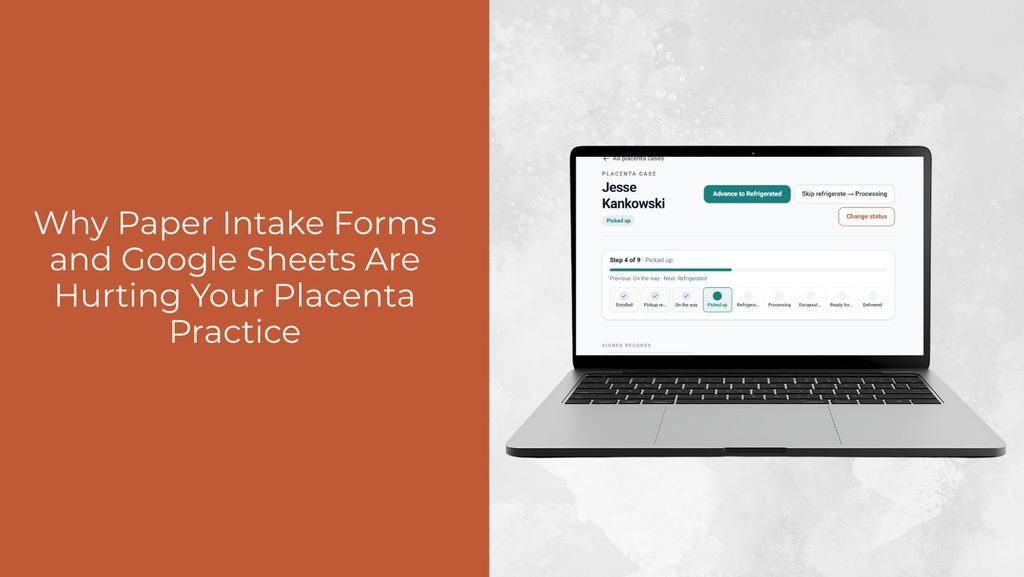
- Automated Roster Management: Instead of manual spreadsheet updates, your active client roster organizes itself, tracking milestones and status changes automatically.
Conclusion
Your time is worth far more than the hours spent wrestling with spreadsheets and chasing paperwork. Moving away from manual tools and into a secure, purpose-built workflow protects your data, eliminates administrative headaches, and gives your clients a seamless, high-end experience from day one.
Ready to stop wrestling with administrative tasks and give your practice the professional infrastructure it deserves? Visit www.BirthFlowApp.com to start your 7-day free trial today and experience how effortless automated intake, digital chain-of-custody tracking, and built-in legal protection can be for your placenta encapsulation business.